
Remote Coding Salary Calculator
Estimate your potential salary for remote coding positions based on experience level. All figures are in NZD as referenced in the article.
Let’s cut through the noise: coders don’t just can work from home - they often do, and for very good reasons. It’s not a perk reserved for Silicon Valley giants or startup founders. It’s the daily reality for thousands of developers, from New Zealand to Nairobi, who code in pajamas, coffee shops, or quiet basements. If you’re learning to code and wondering if your future job means sitting at a desk in an office, the answer is usually: no.
Why Most Coders Work Remotely
Code doesn’t need a physical office. Unlike a nurse or a mechanic, a developer’s tools are a laptop, an internet connection, and a text editor. The output? Lines of software that run on servers - not in the same building. This fundamental shift started decades ago but exploded after 2020. By 2024, over 70% of software engineering roles listed on major job boards like LinkedIn and Indeed were fully remote or hybrid.
Companies don’t just allow remote work - they prefer it. Why? Talent. The best developers aren’t all in Austin or Berlin. They’re in Wellington, Manila, or Lviv. Remote work opens the door to global hiring without relocation costs. A small tech startup in New Zealand can hire a senior Python engineer from Poland and pay them fairly, without needing office space or local benefits.
What a Typical Remote Coding Day Looks Like
Forget the stereotype of a coder glued to a screen for 12 hours straight. Real remote work is structured - but flexible. Most developers follow a rhythm:
- Start with a short stand-up meeting over Zoom or Slack - just 10 minutes to say what they’re working on today.
- Block out 2-3 hours for deep coding. No meetings. No emails. Just focus.
- Take a walk, make lunch, or step away. Movement matters. Studies from Stanford show remote coders who take regular breaks are 15% more productive.
- Afternoon is for reviews, bug fixes, or pairing with another dev using tools like GitHub Codespaces or Visual Studio Live Share.
- End the day with a quick update: what got done, what’s blocking progress.
Tools make this possible. Git for version control. Slack or Discord for chats. Jira or Notion for task tracking. Zoom for meetings. And a reliable home internet connection - because nothing kills productivity faster than a dropped call during a code review.
Who Doesn’t Work From Home?
Not every coder is remote. Some roles still need to be onsite:
- Embedded systems engineers - those building firmware for medical devices or car systems - often need lab access.
- DevOps engineers managing live servers may need to physically reboot hardware during outages.
- Junior developers in some companies are asked to come in 2-3 days a week for mentorship.
But even these roles are shifting. Many embedded teams now use cloud-based simulators. DevOps teams use remote access tools like SSH and RDP. And mentorship? It’s increasingly done over video calls with screen sharing.
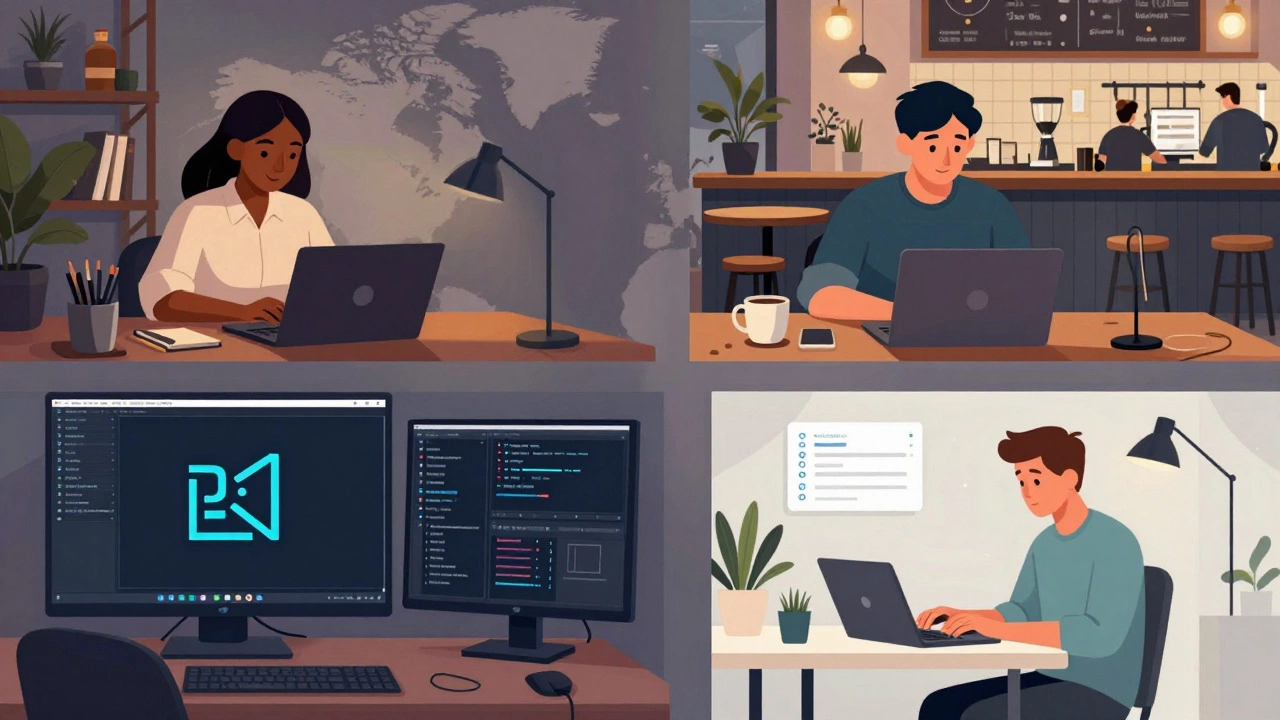
The Tools That Make Remote Coding Possible
You can’t work remotely without the right stack. Here’s what most coders use daily:
| Tool Type | Examples | Why It Matters |
|---|---|---|
| Code Editors | VS Code, JetBrains IDEs | Run on any OS, support plugins for debugging, linting, and auto-complete |
| Version Control | GitHub, GitLab | Track changes, collaborate without being in the same room |
| Communication | Slack, Discord, Microsoft Teams | Quick questions, async updates, team bonding |
| Project Management | Jira, Trello, Notion | Track tasks, deadlines, and who’s doing what |
| Cloud Environments | GitHub Codespaces, Gitpod, Replit | Code in the browser - no setup needed on your machine |
Many beginners think they need a powerful PC. Not true. With cloud IDEs, even a $300 Chromebook can run full-stack apps. The real requirement? A stable internet connection and the discipline to stay focused.
Challenges of Working From Home
Remote work isn’t all freedom and flexibility. There are real downsides:
- Isolation - no watercooler chats, no spontaneous brainstorming. Loneliness hits hard after months of solo coding.
- Blurred boundaries - if your couch is your desk, it’s easy to work late. Burnout is common.
- Communication lag - waiting 12 hours for a reply from a teammate in another time zone can slow progress.
- Equipment costs - not every employer pays for a monitor, ergonomic chair, or noise-canceling headphones.
Successful remote coders fix these problems on their own. They set strict work hours. They use apps like Focusmate to work alongside others virtually. They schedule weekly video coffee chats with teammates. They invest in a good chair - even if they have to pay for it themselves.

How to Prepare for a Remote Coding Career
If you’re learning to code and want to work from home, here’s what to focus on:
- Build a public portfolio - GitHub is your resume. Show real projects, not just tutorials.
- Learn collaboration tools - Git isn’t optional. Learn how to use pull requests and code reviews.
- Practice async communication - write clear messages. Don’t just say “stuck.” Say: “I’m stuck on the login API. I tried X and Y. Here’s the error log.”
- Build discipline - set a schedule. Wake up at the same time. Shut down at the same time. Track your hours.
- Network remotely - join Discord servers for developers. Attend online meetups. Don’t wait for an office to meet people.
Remote jobs don’t go to the loudest person in the room. They go to the person who ships code reliably, communicates clearly, and doesn’t need hand-holding.
Real Stories From Remote Coders
Meet Priya, 28, from Mumbai. She learned Python through free online courses, built a small inventory app for her mom’s shop, and posted it on GitHub. Three months later, she got hired by a Canadian startup - fully remote. She works 9-5 her time, which is 10:30 PM-6:30 AM in Canada. She sleeps during their workday. She says: “I didn’t move. I didn’t need a visa. I just coded and showed up.”
Then there’s Marcus, 34, in Wellington. He used to work in an office. He hated the commute. He started freelancing on weekends. After a year, he quit his job. Now he builds websites for small businesses in Australia. He works from his home office with a view of the harbor. “I didn’t become rich,” he says. “But I got my time back.”
These aren’t outliers. They’re the new normal.
Is Remote Coding Right for You?
Ask yourself:
- Do you enjoy working alone for long stretches?
- Can you stay focused without someone watching over you?
- Are you okay asking for help when you’re stuck - even if it’s via text?
- Do you want to live anywhere, not just near an office?
If you answered yes to most of these, remote coding isn’t just possible - it’s perfect for you. If you’re unsure, try freelancing for a few small projects. See how you feel working without a boss breathing down your neck.
The door is open. You just need to walk through it - one line of code at a time.
Do you need a degree to work as a remote coder?
No. Most remote coding jobs don’t require a degree. Employers care more about your code, your portfolio, and how you solve problems. Bootcamps, online courses, and personal projects are often enough. A 2023 survey by Stack Overflow found that 46% of professional developers had no formal computer science degree.
How much can a remote coder earn?
It varies by experience and location. Junior remote developers in New Zealand typically earn $50,000-$70,000 NZD. Mid-level roles pay $80,000-$120,000. Senior developers or specialists (like DevOps or AI engineers) can make $130,000+. Freelancers on platforms like Upwork often charge $30-$100/hour depending on skill.
Can you work remotely while traveling?
Yes - many do. This is called digital nomadism. But it’s not as easy as it looks. You need reliable internet, a solid work schedule, and a visa that allows remote work (some countries don’t). Popular destinations include Bali, Lisbon, and Mexico City. Always check local tax laws - your income may still be taxable in your home country.
What’s the biggest mistake new remote coders make?
They treat it like a vacation. Working from home doesn’t mean working less. The biggest mistake is not setting boundaries. Without structure, you end up working longer hours, feeling isolated, and burning out. Treat your home office like a real job: show up on time, dress for work, and log off at the end of the day.
Is remote coding a good fit for beginners?
It can be, but it’s harder. Beginners benefit from mentorship, feedback, and structured learning - things that are easier in person. Start with a hybrid role or a company that offers onboarding support. Once you’ve built confidence and skills, you can move fully remote. Don’t jump into isolation before you’re ready.