eLearning Platform Cost Calculator
Calculate your eLearning platform development costs with this tool. Based on industry data from the article, this calculator provides realistic estimates for custom development projects.
Select Your Platform Type
Select Key Features
Select Development Location
Select Team Size
Estimated Development Cost
Important considerations:
1. This estimate doesn't include ongoing costs for hosting, maintenance, or content creation
Building an eLearning platform isn’t like buying a ready-made app from the App Store. You’re not just paying for software-you’re paying for a custom system that handles users, courses, payments, progress tracking, video streaming, quizzes, and maybe even live classes. So how much does it actually cost? The answer isn’t a single number. It ranges from $20,000 to over $500,000, depending on what you need.
What’s Really in an eLearning Platform?
Most people think of an eLearning platform as just a place to upload videos and let people click through lessons. But that’s the bare minimum. A real platform needs:
- User accounts and authentication (login, signup, password recovery)
- Course creation tools (for instructors to build lessons)
- Video hosting and streaming (with adaptive bitrate for slow connections)
- Quizzes and assignments with auto-grading
- Progress tracking and certificates
- Payment processing (Stripe, PayPal, or local gateways)
- Mobile apps (iOS and Android)
- Admin dashboard to manage users, content, and analytics
- Search, filters, and recommendations
- Multi-language and accessibility support
If you skip any of these, users leave. If you add too many, your budget explodes. The key is matching features to your audience.
Minimum Viable Platform (MVP): $20,000-$60,000
Start small. Build only what you need to test demand. An MVP includes:
- Web-based platform (no mobile apps yet)
- Basic user profiles and login
- Upload and play videos (hosted on Vimeo or AWS S3)
- Simple quizzes with multiple-choice questions
- One payment gateway (Stripe)
- Basic analytics (how many people watched, completed)
- Admin panel to add courses
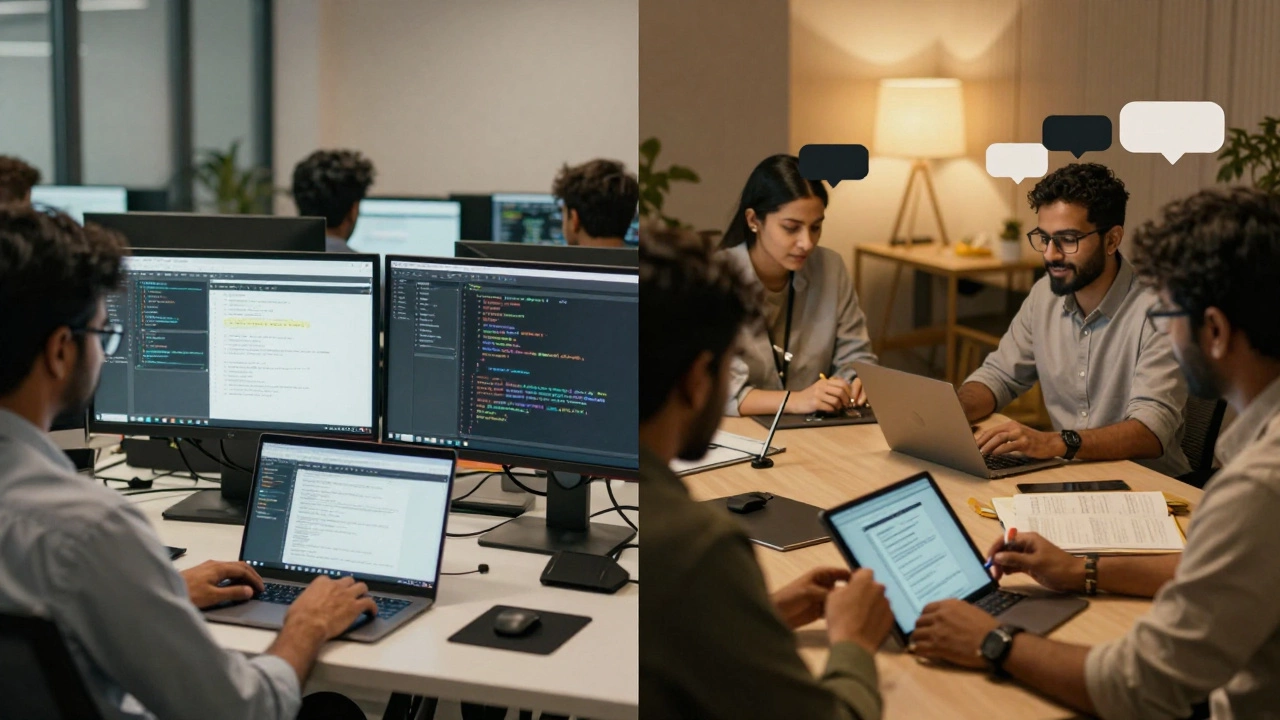
This version works for small course creators, local tutors, or niche training programs. You can launch it in 3-4 months. Developers in Eastern Europe or Southeast Asia often charge $25-$50/hour for this. A team of three (frontend, backend, designer) can build this for under $50,000.
Real example: A language tutor in Poland built a platform for teaching Polish to expats. She used a pre-built LMS plugin (LearnDash on WordPress) and added custom payment rules. Total cost: $18,000. She now has 1,200 active users.
Mid-Range Platform: $80,000-$200,000
This is where most serious businesses operate. You’re not testing anymore-you’re scaling. Features include:
- Full mobile apps (iOS and Android)
- Live video classes with chat and screen sharing
- Automated email sequences (welcome, reminders, completion)
- Advanced quizzes (drag-and-drop, file uploads, essay grading)
- Multi-currency and multi-language support
- Integration with CRM (HubSpot, Salesforce)
- AI-powered recommendations ("Users like you took this course")
- API access for third-party tools
- Full accessibility (WCAG 2.1 compliance)
This version supports schools, corporate training, or subscription-based services. You’ll need a full-stack team: frontend, backend, DevOps, QA, UI/UX designer, and project manager. Costs rise because you’re not just coding-you’re building infrastructure.
Company A, a U.S.-based health coaching platform, spent $140,000 on this tier. They added live group sessions and progress dashboards for clients. Within 10 months, they grew to 8,000 users and cut customer support calls by 60% because users could track their own progress.
Enterprise Platform: $250,000-$500,000+
If you’re building for universities, government agencies, or Fortune 500 companies, you need more than features-you need compliance, security, and scale.
- SCORM/xAPI compliance for corporate training standards
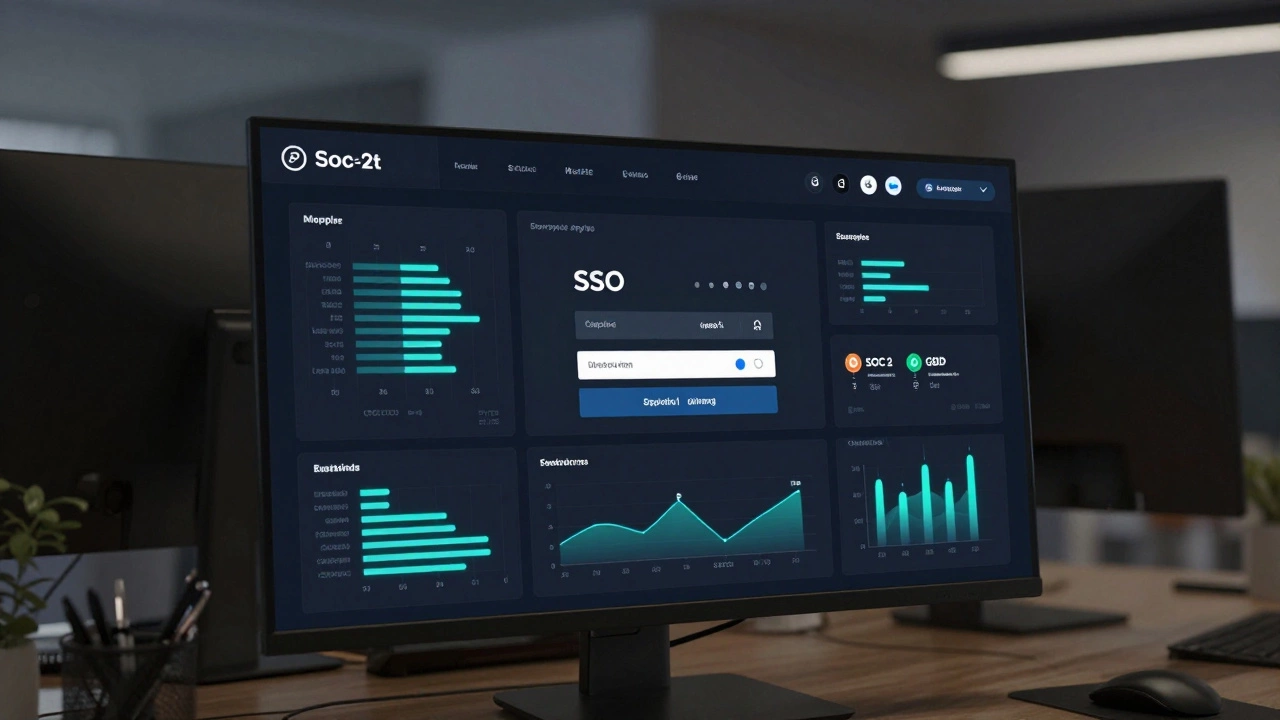
- Single Sign-On (SSO) with LDAP, Azure AD, or Google Workspace
- ISO 27001 or SOC 2 security certification
- High availability (99.9% uptime) with cloud failover
- Custom reporting and exportable data for audits
- Integration with ERP systems (SAP, Oracle)
- On-premise deployment option
- 24/7 dedicated support team
These platforms take 8-18 months to build. Teams include security engineers, compliance officers, and enterprise architects. The cost isn’t just labor-it’s legal, certification, and testing overhead.
One university in Canada spent $420,000 to replace its old LMS. They needed to handle 50,000 students, integrate with their student records system, and meet federal data privacy laws. They now serve 120,000 users across 3 campuses.
Where Does the Money Go?
Let’s break down a $120,000 project:
| Component | Cost | Notes |
|---|---|---|
| UI/UX Design | $15,000 | Wireframes, prototypes, user testing |
| Frontend Development | $25,000 | Web and mobile apps |
| Backend Development | $35,000 | APIs, database, authentication |
| Video Streaming Setup | $12,000 | AWS or Cloudflare streaming, transcoding |
| Payment Integration | $5,000 | Stripe, PayPal, tax rules |
| Testing & QA | $8,000 | Browser, device, performance tests |
| Project Management | $10,000 | Coordination, timelines, client updates |
| Contingency (10%) | $12,000 | Unexpected changes or delays |
Don’t forget ongoing costs: hosting ($500-$5,000/month), updates, security patches, and customer support. These add $10,000-$50,000 per year.
What You Can Skip to Save Money
Many startups waste money on features they don’t need yet:
- AI tutors or chatbots-save this for version 2.0
- Virtual reality classrooms-only if you’re teaching surgery or engineering
- Native mobile apps-start with a responsive web app
- Multi-language support-launch in one language first
- Advanced analytics dashboards-use Google Analytics until you hit 5,000 users
Focus on core value: Can users easily find, buy, and complete a course? If yes, you’ve got a product. Everything else is decoration.
Platforms vs. Building from Scratch
Before you spend $100,000, ask: Do you really need to build your own?
Tools like Teachable, Thinkific, or LearnDash (WordPress plugin) let you launch a fully functional platform for under $2,000/year. They handle payments, hosting, mobile apps, and updates. You just upload content.
But they have limits:
- You can’t customize the look beyond themes
- You’re stuck with their pricing structure
- You don’t own your data fully
- No deep integrations with your other tools
If you’re a small coach or instructor, use a platform. If you’re building a brand, scaling to 100,000 users, or need full control-then build your own.
Hidden Costs No One Talks About
Most budgets forget these:
- Content creation-recording, editing, and captioning videos costs $50-$500 per lesson
- Legal compliance-GDPR, COPPA, accessibility lawsuits can cost $20,000+ to fix
- Marketing-you can build the platform, but if no one finds it, it’s a $100,000 paperweight
- Customer support-you’ll need at least one person to answer questions about logins, payments, and broken videos
One client spent $150,000 on development but didn’t budget for video production. They launched with 10 courses. Six months later, they had 300 users-and 2,000 unedited videos sitting in a folder. They had to pause the platform to catch up.
How to Get the Best Value
Here’s how to avoid overspending:
- Start with a clear list of must-have features-no more than 10
- Get quotes from 3 different teams (local, offshore, hybrid)
- Ask for a detailed breakdown of hours and hourly rates
- Insist on a working prototype before full payment
- Use open-source tools (like Moodle or Open edX) to cut licensing fees
- Build in phases-launch MVP, then add features based on real user feedback
Don’t choose the cheapest developer. Choose the one who asks the most questions about your users and goals.
Final Thoughts
The cost of an eLearning platform isn’t about technology-it’s about clarity. If you know exactly who your users are, what problems they face, and how your platform solves them, you’ll build only what matters. That’s how you avoid wasting money.
Most successful platforms didn’t start big. They started simple, listened to users, and grew step by step. Your first version doesn’t need to be perfect. It just needs to work.
Can I build an eLearning platform for under $10,000?
Yes, but only if you use a no-code tool like Teachable, Podia, or Thinkific. These platforms let you create and sell courses without writing code. You’ll pay $30-$100/month in fees. If you want full control, customization, or mobile apps, $10,000 won’t cover it. You’ll need at least $20,000 for a basic custom build.
How long does it take to build an eLearning platform?
An MVP takes 3-4 months. A full-featured platform with mobile apps takes 6-9 months. Enterprise systems with compliance and integrations can take 12-18 months. The timeline depends on team size, scope, and how many changes you make during development. Rushing usually means more bugs and higher costs later.
What’s the most expensive part of building an eLearning platform?
Video streaming and mobile apps are usually the biggest cost drivers. Hosting HD videos for thousands of users requires powerful servers and content delivery networks (CDNs), which cost hundreds to thousands per month. Building native iOS and Android apps doubles the development time because each platform needs separate code. Many teams save money by starting with a responsive web app and adding mobile apps later.
Should I hire a freelance developer or a development agency?
Freelancers are cheaper but risky. One person can’t handle design, backend, mobile, and testing well. Agencies have teams, processes, and backups. If you’re spending over $50,000, go with an agency. If you’re under $20,000 and have technical experience, a skilled freelancer can work. Always ask for references and test their communication skills-this project will take months.
Do I need to worry about data privacy laws?
Yes, especially if you’re collecting data from children, EU residents, or students in the U.S. You’ll need to comply with GDPR, COPPA, FERPA, or CCPA. This affects how you store data, get consent, and let users delete their accounts. Ignoring this can lead to fines or lawsuits. Budget $5,000-$15,000 for legal review and compliance features.