Online Teaching Platform Selector
Find Your Perfect Teaching Platform
Answer 5 quick questions to discover which platform best fits your teaching style and needs.
There are dozens of online teaching platforms out there, but only a few actually make teaching easier - not just more complicated. If you’re a teacher, tutor, or coach trying to figure out which one to pick, you’re not alone. Most platforms look the same on the surface: video calls, chat boxes, assignment uploads. But the real difference? How they handle your time, your students’ attention, and your sanity.
What matters most when choosing a platform?
It’s not about flashy features. It’s about whether the platform fits how you actually teach. Do you run live 1:1 sessions? Group classes for teens? Pre-recorded courses with quizzes? Each platform handles these differently.
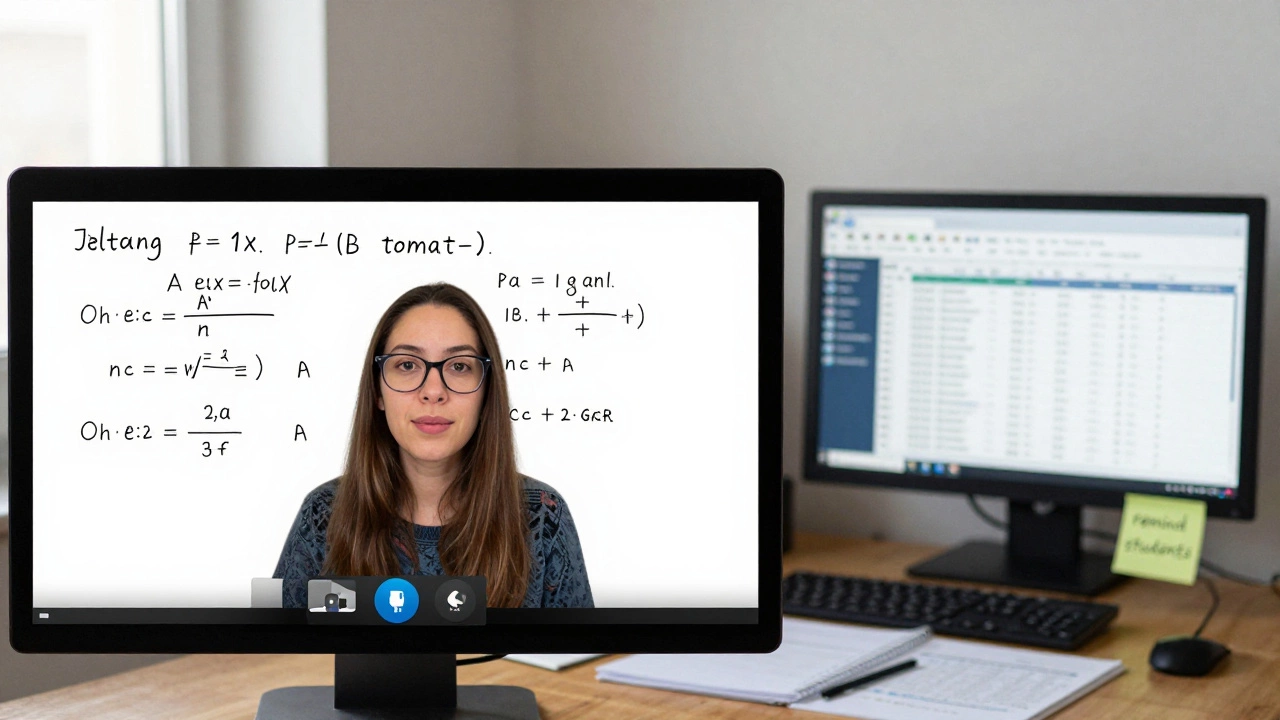
Take Zoom. It’s great for live interaction - you can share screens, use breakout rooms, and even record sessions. But if you need to automate assignments, track student progress, or send automated reminders, Zoom doesn’t do that. You’ll be juggling Google Sheets, email, and a whiteboard app. That’s three tools just to run one class.
On the other hand, platforms like Teachable or Thinkific are built for course creators. They let you upload videos, set up payment plans, and even issue certificates. But if you’re teaching live every day, their interface feels clunky. You’re stuck uploading pre-recorded lessons instead of responding to real-time questions.
The best platform for you isn’t the most popular one. It’s the one that removes friction from your daily routine.
Top platforms compared: Live teaching vs. course hosting
There are two main types of platforms: those built for live interaction and those built for self-paced learning. Here’s how the top players stack up.
| Platform | Best for | Live teaching | Automated assignments | Student tracking | Pricing (monthly) |
|---|---|---|---|---|---|
| Zoom A video conferencing tool adapted for teaching, widely used for real-time interaction | Live classes, tutoring, workshops | Excellent | None | Manual | $14.99 |
| Google Classroom A free, simple LMS by Google, designed for K-12 and educators using G Suite | School teachers, small groups | Good (with Meet) | Yes | Basic | Free |
| Moodle An open-source learning management system used by universities and large institutions | Structured courses, institutions | Good (with plugins) | Yes | Advanced | Free (hosting extra) |
| Teachable A platform for selling and delivering online courses with built-in marketing tools | Course creators, coaches | Poor | Yes | Yes | $39 |
| Outschool A marketplace for live, small-group classes for kids, with built-in payment and scheduling | Teaching kids, group sessions | Excellent | Basic | Basic | Free (15% fee per class) |
| Khan Academy Studio A free tool for educators to create and assign video lessons from Khan Academy’s library | Flipped classrooms, supplementing curriculum | No | Yes | Yes | Free |
If you’re teaching kids, Outschool removes the headache of scheduling, payments, and finding students. You just show up to the live class. If you’re running a university course with 50 students, Moodle gives you control over grading, deadlines, and analytics - but you need tech support to keep it running.
Google Classroom is still the quiet winner for schools and small teams. It’s free, integrates with Gmail and Drive, and doesn’t require training. Teachers in New Zealand, Canada, and the UK use it daily because it just works. No credit card needed. No sales call. Just assign a quiz, collect responses, and give feedback.
What most teachers miss about automation
Automation isn’t about replacing you. It’s about saving you from repetitive tasks.
Think about this: You spend 30 minutes each week sending reminder emails. Another 20 minutes grading multiple-choice quizzes. Another 15 minutes tracking who hasn’t submitted. That’s over an hour a week - 52 hours a year. That’s more than a full workday.
Platforms like Teachable and Thinkific let you set up automated workflows. For example:
- When a student finishes a module, they automatically get the next one.
- If they don’t complete an assignment in 7 days, they get a gentle nudge via email.
- When they hit a milestone, they receive a certificate - no manual work needed.
Google Classroom does some of this too. You can set due dates, send bulk reminders, and grade assignments in batches. But it doesn’t nudge students who fall behind. You still have to chase them.
Here’s the rule: If you’re teaching more than 20 students regularly, automation isn’t optional. It’s survival.

Hidden costs you won’t see on the pricing page
Most platforms advertise low monthly fees. But there are hidden costs.
Outschool takes 15% of every class payment. That’s fine if you’re just starting out and need students. But if you’re making $4,000 a month, you’re giving away $600. That’s rent money.
Teachable charges 5% on its basic plan - unless you upgrade to $99/month, then it’s gone. But if you’re using Stripe or PayPal, you pay another 2.9% + 30 cents per transaction. That’s not always clear until you start getting paid.
Then there’s time. Moodle is free - but if you need to hire someone to set it up, customize themes, or fix bugs, you’re looking at $50-$100/hour. That adds up fast.
Google Classroom? Zero hidden fees. Zero technical support needed. Just log in and teach.
Real-world picks: Who should use what?
Here’s the simple breakdown:
- Teaching kids in small groups? Use Outschool. You’ll get students, scheduling, and payments handled for you. Just show up.
- Running live tutoring or adult classes? Use Zoom + Google Sheets. It’s cheap, flexible, and you control everything. Add Calendly for booking.
- Teaching at a school or college? Google Classroom is still the default. It’s reliable, familiar, and integrates with existing tools.
- Selling your own course? Teachable or Thinkific. You own the students, the branding, and the revenue. But you’ll need to market it yourself.
- Need full control and don’t mind tech work? Moodle. It’s powerful, but only if you or someone you know can manage it.
- Supplementing school lessons? Khan Academy Studio. Free, high-quality videos, and ready-made assignments.
There’s no single "best" platform. There’s only the best one for your situation.
What’s changing in 2026?
AI is no longer a buzzword - it’s in the tools.
Platforms like Teachable now offer AI-generated quiz questions based on your video content. Google Classroom can auto-grade short-answer responses using simple AI models. Outschool is testing AI tutors that help students review material between live sessions.
But here’s the catch: AI doesn’t replace good teaching. It replaces busywork. If you’re spending hours grading, AI helps. If you’re spending hours building relationships, no tool replaces that.
The real question isn’t which platform has the most features. It’s: which one lets you focus on what matters - your students?
Start here: A 5-minute test
Before you sign up for anything, ask yourself these questions:
- Do I teach live, or do I record lessons?
- Do I have more than 20 students?
- Do I want to sell my course, or just teach for free?
- Am I comfortable managing tech, or do I want something that just works?
- Do I need automated reminders, grading, or certificates?
If you answered "live" and "less than 20 students" to the first two, start with Zoom. Add Google Calendar and Sheets. You’re done.
If you answered "recorded" and "selling," go with Teachable.
If you’re in a school, stick with Google Classroom. Don’t overcomplicate it.
The right platform doesn’t make you a better teacher. It just gives you more time to be one.
Is Zoom good enough for online teaching?
Zoom works well for live teaching, especially for small groups or one-on-one sessions. It’s reliable, easy to use, and supports screen sharing, breakout rooms, and recording. But it doesn’t handle assignments, grading, or student tracking. You’ll need to use other tools like Google Docs or Sheets to manage those tasks. If you’re teaching live every day and don’t need automation, Zoom is fine. If you want more structure, consider a dedicated platform.
What’s the cheapest online teaching platform?
Google Classroom is free and includes video meetings (via Google Meet), assignment distribution, grading, and communication tools. It’s ideal for teachers, schools, and small groups. Moodle is also free but requires technical setup and hosting, which can cost money. Outschool doesn’t charge a monthly fee, but takes 15% of each class payment. For pure cost savings, Google Classroom wins.
Can I use YouTube instead of an online teaching platform?
You can upload videos to YouTube and share links, but it’s not a teaching platform. You can’t assign tasks, track progress, give feedback, or collect assignments. Students can’t interact with your content in a structured way. YouTube works for broadcasting, not teaching. Use it as a supplement, not a replacement.
Do I need to pay for a platform to teach online?
No. You can teach online for free using Zoom, Google Classroom, or even WhatsApp for basic communication. Paid platforms add automation, branding, and sales tools - but only if you need them. If you’re teaching friends, family, or a small group, free tools are more than enough. Pay only when you’re scaling or selling courses.
Which platform is best for teaching math online?
For live math tutoring, Zoom with a digital whiteboard app like Bitpaper or Miro works best - you can draw equations in real time. For structured lessons with practice problems, Google Classroom lets you upload worksheets and auto-grade multiple-choice quizzes. Khan Academy Studio offers ready-made math videos and exercises. If you’re selling a full math course, Teachable lets you bundle videos, PDFs, and quizzes together with payment processing.
Are there platforms designed for non-native English speakers?
Yes. Outschool and VIPKid are popular for teaching English to kids, and they include tools for non-native teachers. Google Classroom supports multiple languages in assignments and feedback. Some platforms like Edmodo offer translation tools for students. The key is choosing a platform with simple navigation and clear instructions - not one with complex jargon or fast-paced tutorials.